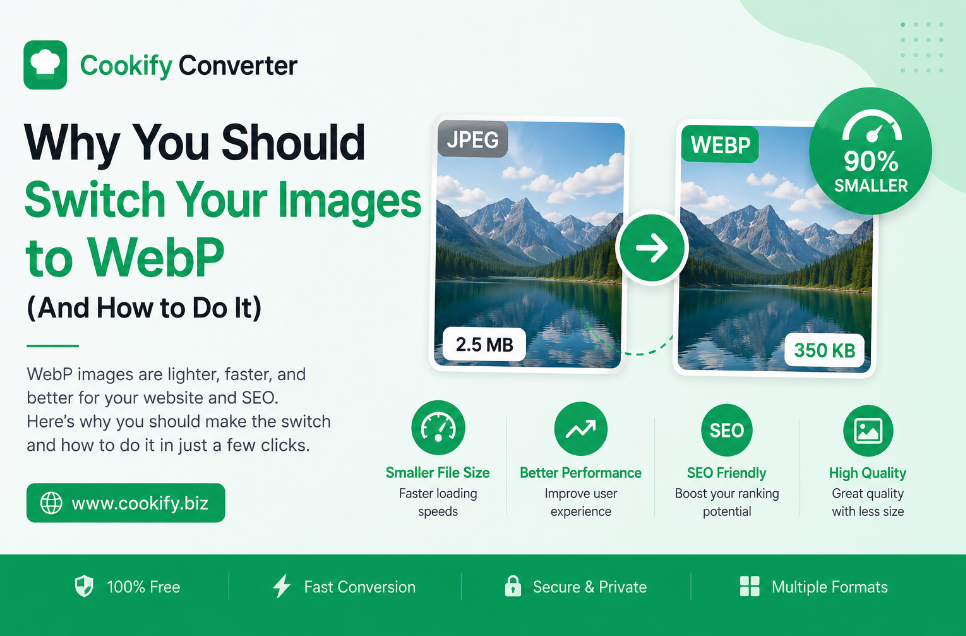
Why You Should Switch Your Images to WebP (The Ultimate Guide)
Website performance is no longer just a technical luxury; it is a necessity for survival in the digital age. If your website takes more than three seconds to load, you are losing nearly half of your visitors. One of the most effective ways to reclaim that speed is by optimizing your image assets.
In this guide, we explore why WebP is the superior choice and how our free converter makes the transition seamless.
The Problem with Traditional Image Formats
Most of us have relied on JPEG and PNG for decades. While they are reliable, they were built for a different era of the internet.
-
JPEG: Great for photographs but lacks transparency and suffers from quality degradation during multiple saves.
-
PNG: Perfect for transparent images but results in massive file sizes that slow down mobile performance significantly.
Why WebP is the Future of Web Imagery
WebP, developed by Google, represents the next generation of image compression. It offers both lossless and lossy compression, allowing developers to reduce file sizes by 25% to 35% without sacrificing visual fidelity.
Comparison Table: WebP vs. The Rest
| Format | Transparency | Best Use Case | Compression |
| WebP | Yes | Web Graphics | Superior |
| JPEG | No | Photography | Good |
| PNG | Yes | Icons/Logos | Basic |
How to Optimize Your Workflow
Switching to WebP doesn't require advanced programming knowledge. Our online WebP converter allows you to perform batch conversions in seconds.
-
Upload: Simply drag and drop your images.
-
Process: Our server optimizes the compression levels.
-
Download & Implement: Replace your old images with the new WebP versions and watch your core web vitals improve.
Frequently Asked Questions (FAQ)
Is WebP compatible with all browsers?
Yes, modern browsers including Chrome, Firefox, Edge, and Safari now support WebP natively.
Can I convert back to JPEG from WebP?
Absolutely. While WebP is great for the web, if you ever need to revert to a standard format, our tool handles reverse conversions with ease.
Will Google penalize me for using WebP?
Quite the opposite! Google encourages the use of next-gen formats like WebP. Using these formats is one of the quickest ways to improve your Google PageSpeed Insights score.
Conclusion
If you are still using heavy, unoptimized JPEGs on your website, you are essentially asking your users to wait longer for your content. Switching to WebP is a small technical change that yields massive improvements in user experience and SEO rankings.