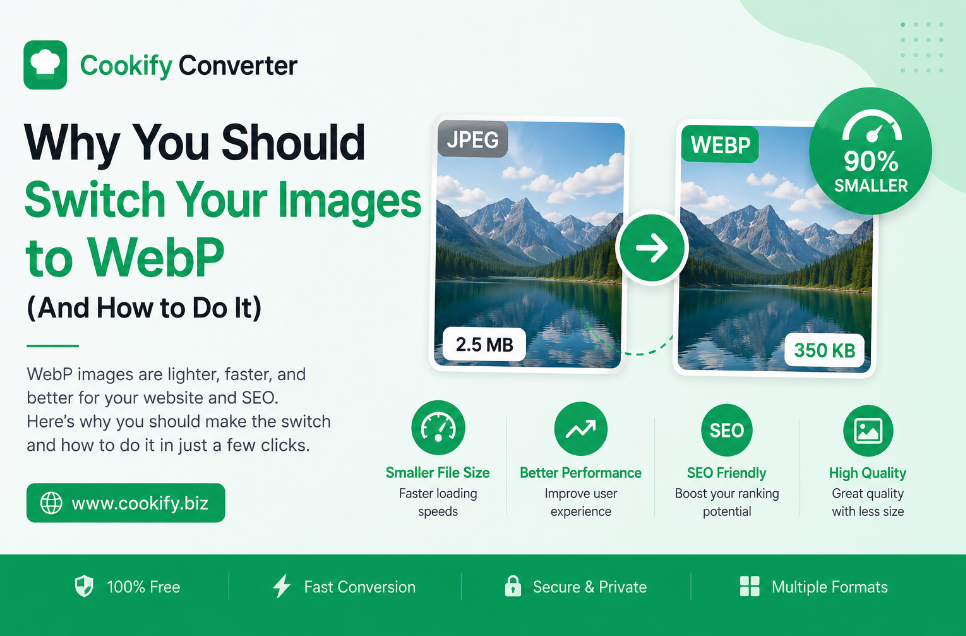
Why You Should Switch Your Images to WebP: The Complete Guide
Website performance has become one of the biggest factors in whether visitors stay on a page or leave. Slow-loading pages lead to higher bounce rates, weaker search rankings, and a worse experience for anyone browsing on a mobile connection. One of the most effective — and easiest — ways to speed up a website is to optimize the images on it. This guide explains what WebP actually is, how it compares to the formats you're probably using now, and how to convert your existing images without any technical hassle.
The Problem with JPEG and PNG
JPEG and PNG have been the backbone of the web for decades, and for good reason — they're universally supported and easy to work with. But both have real limitations:
- JPEG compresses photographs well, but it's a lossy format: every time you re-save a JPEG, it discards a little more image data, gradually degrading quality. It also has no support for transparency.
- PNG solves the transparency problem and uses lossless compression, but the trade-off is file size — a PNG of a photo-like image can be several times larger than the equivalent JPEG, which adds up quickly on image-heavy pages and slows down load times, especially on mobile networks.
What Makes WebP Different
WebP is an image format developed by Google specifically to address these trade-offs. Its key advantage is flexibility: WebP supports both lossy and lossless compression in a single format, along with an alpha channel for transparency and even support for simple animations (similar to GIF, but with far better compression).
According to Google's own developer documentation, WebP lossy images are typically 25–35% smaller than comparable JPEG images at a similar visual quality level, and WebP lossless images tend to be significantly smaller than PNGs of the same content. The exact savings vary depending on the image itself — photographs, graphics, and screenshots all compress differently — but the direction is consistent: smaller files, similar or better visual quality.
WebP vs. JPEG vs. PNG at a Glance
| Feature | WebP | JPEG | PNG |
|---|---|---|---|
| Transparency | Yes | No | Yes |
| Compression type | Lossy or lossless | Lossy only | Lossless only |
| Typical file size | Smallest | Small (photos) | Largest |
| Animation support | Yes (basic) | No | No |
| Best for | General web use, photos and graphics | Photographs where WebP isn't an option | Logos, icons, images needing perfect edges |
| Browser support | All modern browsers | Universal | Universal |
How to Convert Your Images to WebP
You don't need any design or development background to make the switch. The general workflow looks like this:
- Upload your image(s). Most converters accept common formats like JPEG, PNG, BMP, and TIFF as source files, and many support uploading several images at once for batch conversion.
- Let the converter re-encode the file. The tool analyzes the image and compresses it using WebP's algorithm, choosing lossy or lossless encoding depending on the settings and the type of image.
- Compare before and after. It's worth glancing at the converted file next to the original, particularly for images with fine text or sharp lines, to confirm the compression level looks right.
- Download and replace. Swap the WebP file in for the original in your website's code or content management system.
If your site is built on a common CMS, many platforms and plugins can also serve WebP automatically to browsers that support it, while falling back to JPEG or PNG for older browsers — so you don't have to choose one format exclusively.
Frequently Asked Questions
Is WebP supported by all browsers? It's supported by all current major browsers, including Chrome, Firefox, Edge, and Safari (Safari added support in more recent versions). If you need to support very old browsers, it's worth keeping a fallback image in JPEG or PNG format.
Can I convert a WebP file back to JPEG or PNG? Yes — the conversion works in both directions. Converting back to JPEG or PNG can be useful if you need to use the image in software or a platform that doesn't accept WebP.
Does using WebP affect SEO? Not directly — search engines don't rank pages higher simply because they use WebP. What actually matters for SEO is page load speed, and since WebP files are typically smaller, using them can help improve load-time metrics like Largest Contentful Paint, which is one of Google's Core Web Vitals. Faster pages tend to correlate with better user engagement, which can indirectly support search performance.
Will converting to WebP reduce image quality? With lossless WebP, no — the image data is preserved exactly. With lossy WebP (similar to JPEG), there's a small quality trade-off in exchange for a smaller file, but at typical compression settings the difference is very hard to notice visually.
Final Thoughts
Switching image formats is a small, low-effort change compared to redesigning a website, but it can have a real impact on how fast a page loads — especially for image-heavy sites. If your website is still relying entirely on JPEG and PNG, converting your most-used images to WebP is one of the simplest optimizations you can make.