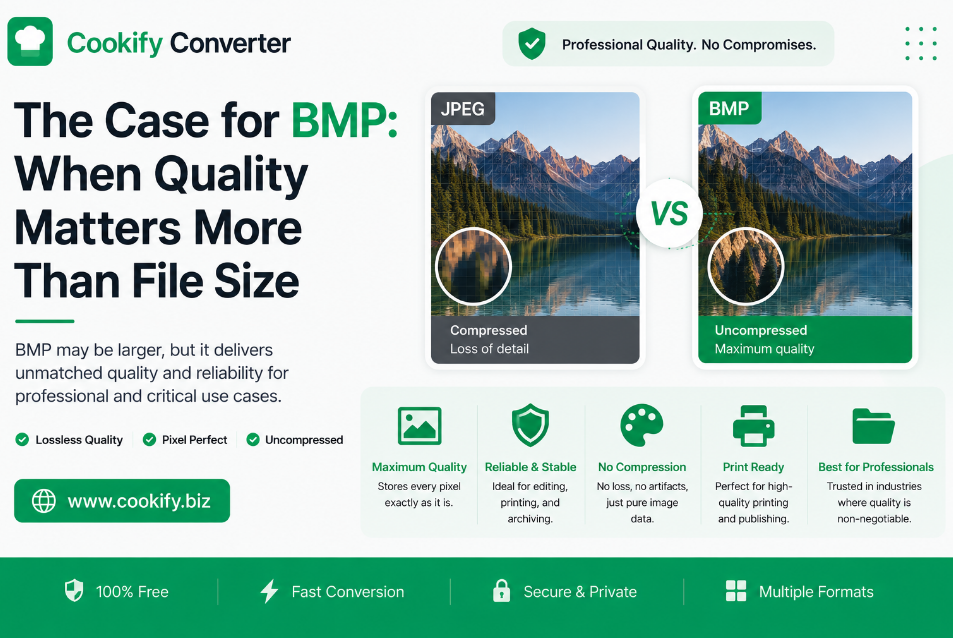
The Case for BMP: When Quality Matters More Than File Size
In an era obsessed with making images as small as possible for the web, it's easy to forget that sometimes quality is the only metric that matters. Plenty of designers avoid BMP (Bitmap) simply because it produces large files — but if you're doing high-end print work or handling raw, pixel-perfect data, it's a format worth understanding rather than dismissing.
What Makes BMP Different
Most formats you'd use on the web — JPG, WebP, even PNG to a lesser degree — apply some form of compression to reduce file size. BMP takes the opposite approach: it's an uncompressed raster format that stores the color value of every single pixel directly, with no algorithm discarding or approximating data along the way.
Structurally, a BMP file is fairly simple: a header describing the image dimensions and color depth, followed by the raw pixel data itself, stored row by row. There's no decompression step needed to read it — which is part of why the format has stayed compatible with such a wide range of software over the decades, including older and industrial systems that never implemented support for more complex formats.
One clarification worth making: standard BMP files do not support transparency in the way PNG does. While a small subset of BMP variants can technically include an alpha channel, it isn't consistently supported across software, so BMP shouldn't be relied on for transparency — PNG remains the right choice for that.
When BMP Actually Makes Sense
- Professional printing. When a print workflow demands zero color shift or compression artifacts, working from an uncompressed source removes one variable from the process entirely.
- Archival and intermediate storage. Keeping a raw, uncompressed version of a design element before final export means you're never editing a file that's already lost data to compression.
- Legacy and industrial systems. Certain older or specialized software — some medical imaging and industrial equipment included — still expects the simplicity of uncompressed bitmap data rather than a modern compressed format.
The Trade-off: What You Need to Know
BMP is not a format for the web. If you're building a website, using BMP images will hurt page load speed significantly — a photo that might be a few hundred kilobytes as a JPG can easily be tens of megabytes as an uncompressed BMP. For anything that ends up in a browser, stick with JPG, PNG, or WebP.
Where BMP earns its place is in a local design or print workflow, where file size isn't the constraint and pixel-perfect accuracy is.
Performance Comparison
| Metric | BMP | PNG | JPG |
|---|---|---|---|
| Compression | None | Lossless | Lossy |
| Image fidelity | Maximum (exact pixel data) | Very high | Good, degrades with re-saves |
| Typical file size | Very large | Large | Small |
| Transparency | Not reliably supported | Supported | Not supported |
| Best for | Raw editing, printing, legacy systems | Icons, logos, transparency | Photography, web use |
How to Handle BMP Conversions Safely
An important thing to understand: converting a file to BMP is not a way to improve its quality. If you start with a low-quality, compressed JPG and convert it to BMP, you'll get an enormous file that still contains exactly the same visual flaws as the original — the format change doesn't restore lost detail.
A sensible workflow:
- Start from the highest-quality source you have. If the original file came straight from a camera or design application, work from that rather than from a version that's already been compressed.
- Convert to BMP only when you need uncompressed data — for print production, archival, or compatibility with specific software.
- Do your editing on the BMP, then export to whatever compressed format you actually need for the final destination (JPG or WebP for the web, for example) once editing is complete.
Frequently Asked Questions
Is BMP better than PNG? It depends on the goal. PNG uses lossless compression, so it retains full quality while keeping file sizes more reasonable — it's the right choice for almost all digital and web use. BMP skips compression entirely, which only matters if you specifically need raw, uncompressed pixel data, such as for certain print or industrial workflows.
Can I open BMP files on my phone? Most modern mobile operating systems can display BMP files, but it isn't a format used by mobile apps, messaging platforms, or social media — expect compatibility issues if you try to share one directly through those channels.
Will converting my JPG to BMP fix compression artifacts? No. Converting between formats can't recover detail that compression already discarded. The BMP version will simply be a much larger file containing the same visual imperfections.
Does file size scale directly with image dimensions in BMP? Yes, and quite steeply — because there's no compression, doubling the width and height of a BMP roughly quadruples its file size, which is worth keeping in mind for high-resolution scans or photos.
Final Thoughts
Don't let the "outdated" reputation fool you — BMP isn't obsolete, it's just specialized. It's the right tool when visual accuracy matters more than efficiency: raw editing, print production, and legacy system compatibility. For everything else — especially anything destined for the web — reach for JPG, PNG, or WebP instead.